Why Download the dduu6 App?
A complete betting and gaming experience right on your phone
Nowadays, people are no longer tied to a computer to play or bet. Mobile has become the main entertainment device for Brazilians, and the dduu6 followed this trend with an app built to be fast, intuitive, and complete.
With the dduu6 app installed on your smartphone, you have access to the entire platform from anywhere: during a work break, on a bus ride, or during your leisure time at home. The interface was designed specifically for smaller screens, without sacrificing any important functionality.
Betting on Brazilian football becomes even more dynamic when you receive real-time notifications about odds, results, and promotions directly on your phone. The dduu6 app was built so that the mobile experience is at least as good as the web version — and in practice, for many users, it ends up being even better.
Another strong point is performance. The app is optimized to work well even on 4G networks with an unstable signal, which is common in many regions of Brazil. Games load fast, bets are confirmed without freezing, and financial transactions — including Pix deposits and withdrawals — work with the same speed as the desktop version.
The download is free, with no subscription and no additional costs. Just have a dduu6 account — or create one on the spot — to enjoy everything the app offers.

Choose Your Platform
The dduu6 app is available for both major mobile operating systems in Brazil
The dduu6 Android app is available as an APK file for direct installation on your device. It's simple, fast, and works on smartphones running Android 6.0 or higher.
- Compatible with Android 6.0+
- Small file size — fast download
- Installation in under 2 minutes
- Automatic updates via the app
- Works on 4G and Wi-Fi networks
IPhone and iPad users enjoy an equally smooth experience on the dduu6 app. The iOS version was built with a focus on performance and makes the most of Apple hardware.
- Compatible with iOS 13+
- Interface adapted for iPhone and iPad
- Face ID and Touch ID Support
- Real-time push notifications
- Safari access in app mode
How to Install dduu6 on Android
Complete step-by-step guide to get the app running in minutes
Go to the official dduu6 website
Open your Android browser — Chrome, Firefox, or whichever you prefer — and go to the official dduu6.app address. Make sure you are on the correct site before downloading anything.
Go to the Download page
In the main menu or the highlighted area on the home page, locate the Android app download button or link. Click "Download APK for Android".
Allow installation from unknown sources
Since the APK is installed directly without going through the Play Store, Android will ask for permission to install apps from external sources. Go to Settings > Security and enable the "Unknown sources" or "Install unknown apps" option for your browser.
Open the downloaded APK file
Once the download is complete, tap the notification or locate the APK file in your device's Downloads folder. Tap the file to start the installation.
Complete the installation and open the app
Follow the on-screen installation instructions, tap "Install" and wait. Within seconds, the dduu6 icon will appear on your home screen. Tap to open and log in or create your account.
After installation, you can disable the unknown sources permission again in your Android settings to keep your device more secure.
How to Use dduu6 on iPhone and iPad
Access via Safari and add to your home screen for a native app experience
Open Safari on your iPhone or iPad
Safari is the recommended browser for the best experience on iOS. Access the official address dduu6.app directly in the address bar.
Tap the share icon
In the bottom bar of Safari, tap the share icon (the box with an arrow pointing up). This icon opens the Safari options menu.
Select "Add to Home Screen"
In the menu that opens, scroll down until you find the "Add to Home Screen" option. Tap it and confirm the shortcut name — you can leave it as "dduu6".
Access via the icon on your home screen
The dduu6 icon will appear on your iPhone or iPad home screen. From there, just tap it to open the platform in full-screen mode, without the browser bar — exactly like a native app.
Log in and start playing
Log in with your CPF and dduu6 password, or register directly through the app. All features are available: sports betting, casino, fish games, Pix deposits, and withdrawals.
IOS users with newer iPhones (iOS 16.4+) have push notification support even via PWA added to the home screen, which further improves the experience on dduu6.

What You'll Find in the dduu6 App
All platform features on your phone screen
Live Sports Betting
Bet in real time on Brazilian football matches, international championships, basketball, tennis, and other sports. Odds are updated live directly in the app.
Casino & Slots
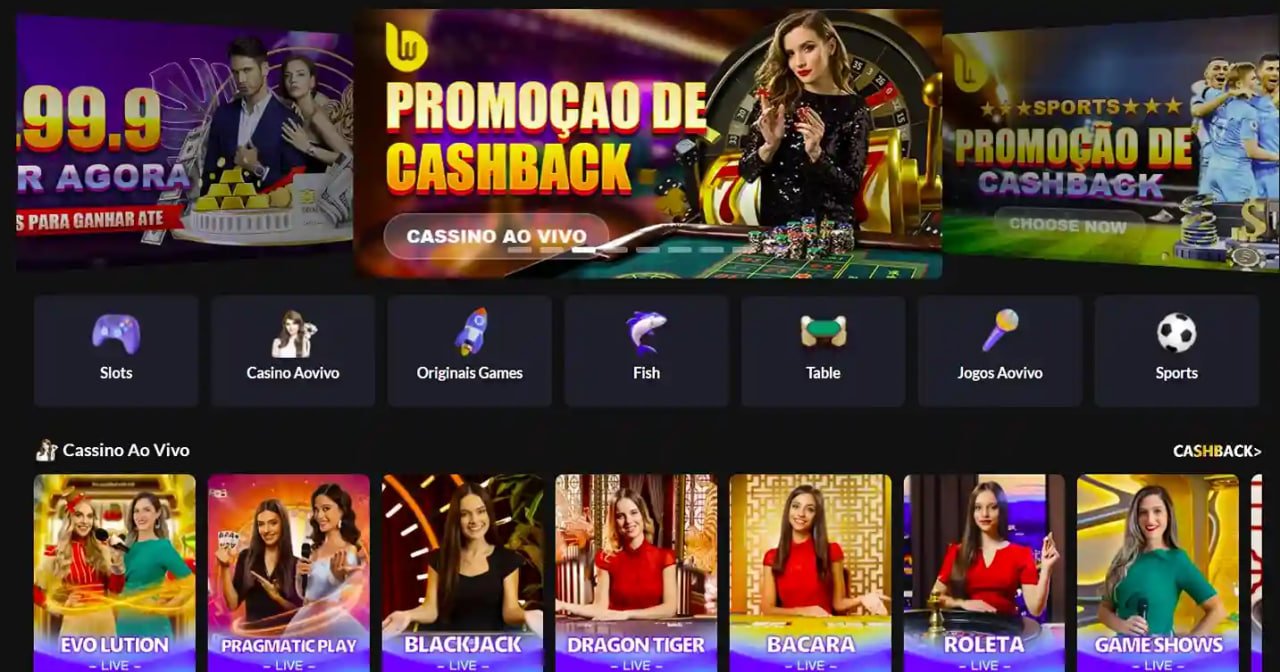
Hundreds of casino games available in the app, including slots, roulette, blackjack, and live games with real dealers. Interface adapted for touchscreen.
Virtual Fish Games
Dduu6 Fish Games run perfectly on mobile. Animated graphics, intuitive touch controls, and the same prize odds as the desktop version.
Pix Deposit in the App
Make instant top-ups via Pix directly in the app. The QR code is generated on screen — just open your banking app and scan it. Balance available in seconds.
Fast Withdrawal on Mobile
Request withdrawals to your bank account or Pix key without needing to open a computer. The withdrawal process in the app is simple, secure, and can be done in just a few taps.
Real-Time Notifications
Receive alerts for exclusive promotions, betting results, deposit confirmations, and odds updates directly on your phone's lock screen.
Full VIP Area
Dduu6 VIP program members get access to exclusive benefits, personalized bonuses, and priority support — all manageable directly through the app.
Biometric Security
Log in to your account using fingerprint or facial recognition (Face ID / Touch ID on iOS, biometrics on Android). Greater convenience without compromising security.
App vs Web Version: What's the Difference?
Understand when to use the app and when the browser version may be more convenient
| Feature | Mobile App | Web Version (Browser) |
|---|---|---|
| Live Sports Betting | ✔ Available | ✔ Available |
| Casino Games & Slots | ✔ Available | ✔ Available |
| Deposit and Withdrawal via Pix | ✔ Available | ✔ Available |
| Push Notifications | ✔ Yes | ✖ No |
| Biometric Login | ✔ Yes | ✖ No |
| Touch-Optimized Interface | ✔ Yes | Partially |
| Performance on Mobile Networks | ✔ Optimized | Standard |
| No Installation Required | ✖ Requires installation | ✔ Directly in the browser |
| Desktop Compatible | ✖ Mobile only | ✔ Yes |
For most users who play primarily on mobile, the dduu6 app is the most complete option. If you usually access from a computer or tablet, the web version serves the purpose very well.

Is the dduu6 App Safe? Everything You Need to Know
Transparency on the app's security, privacy, and operation
A common concern for those who download apps outside official stores — as is the case with the dduu6 Android APK — is security. It is a legitimate concern and deserves a clear answer.
The dduu6 APK file is distributed exclusively through the platform's official website. This means you have full control over the source of the file. By downloading directly from dduu6.app, you ensure you are getting the legitimate and most up-to-date version of the app, with no intermediaries.
The app uses end-to-end encryption to protect all communications between your device and the platform's servers. Your login credentials, payment information, and betting history are transmitted securely, with no exposure to third parties.
On iOS, the approach via Safari and adding to the home screen is a widely used model by digital platforms looking to deliver an experience close to a native app without relying exclusively on App Store rules. This technology — called Progressive Web App (PWA) — is officially supported by Apple and widely adopted in the market.
Additionally, dduu6 does not store sensitive data directly on your device. Payment information, such as Pix keys or card details, is processed on secure servers — the app works as an access interface, not as a financial data repository.
A practical tip: always download the APK from the link available on this page or from the dduu6 home page. Be wary of third-party sites offering the "dduu6 app" — they may distribute modified versions that pose security risks.
Download Now and Start Playing on dduu6
Install the app for free, create your account in under 3 minutes, and access sports betting, casino, and fish games wherever you are.
Frequently Asked Questions about the dduu6 App
Straight answers to the most common questions about downloading and using the app
Play Responsibly
Having dduu6 always in your pocket makes access easy — which is why it's even more important to set limits before you start. Use the control tools available on the platform and remember: betting should be a form of entertainment, not an obligation. Gambling is only permitted for users aged 18 and over.